
When a Camera Crew Comes to Campus Unannounced
Use this page when media arrives on campus unexpectedly and the team needs a fast, practical response path.
Response path
Handle the first few minutes one decision at a time.
Use this guide when media activity happens unexpectedly. The priority is to keep the team calm, loop in the right people, protect privacy, and avoid improvised on-camera comments.
Before anyone speaks on camera
Pause the interaction, identify who is on site, and alert Chartwells Communications and campus partners. Assume anything said near a reporter or camera crew could be used publicly.
If a deadline is urgent, make that clear in the first line of your message to the communications team.
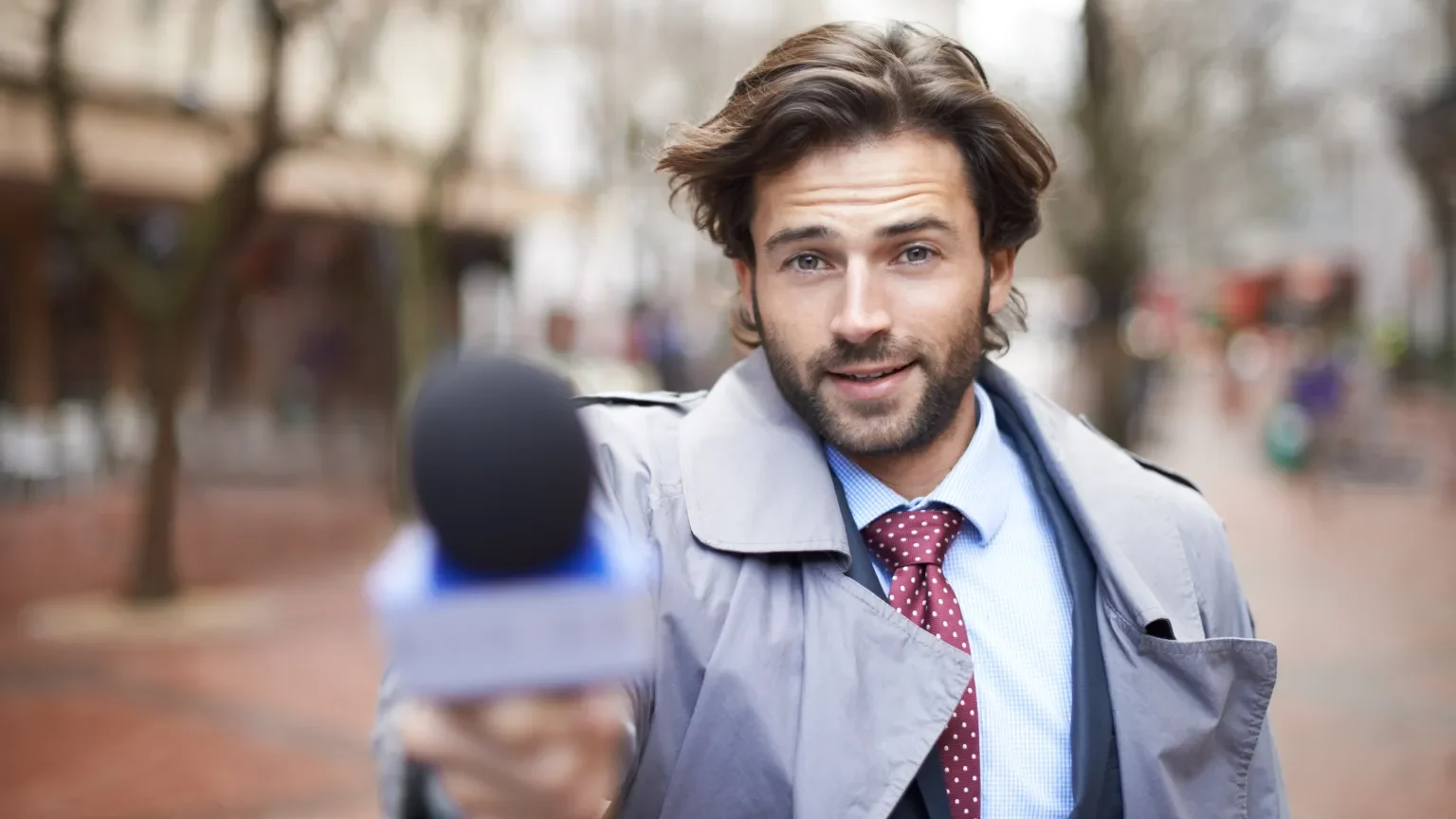
Step 1 of 8
Notify key stakeholders immediately.
Do this before anyone answers questions, gives a quote, or agrees to a filmed interview.
- Client/Partner: Inform them right away if media are on site.
- Communications team: Share who is on campus, what outlet they represent, and the purpose of the visit.
- Leadership: Escalate to your DM, RVP, SVP, and divisional marketing leads.
Pause and assess the situation.
Move quickly, but do not let speed turn into improvising. First, understand who is there and why.
- Do not engage directly until the right people are looped in.
- Check credentials: identify whether they are legitimate media, students, or a vendor crew.
- Clarify whether the visit was invited, scheduled, or unannounced.
Reference and reinforce the media policy.
Make sure the team understands who can speak and what should be redirected.
- Check whether your campus has its own policy for media on campus.
- Only approved spokespeople may speak to media. Share the campus or company media policy when available.
- Anything said may be used publicly, even if a reporter says it is off the record.
- Redirect all questions to the designated spokesperson. You can say, "We cannot comment on that right now, but we will be happy to have someone get back to you."
Assign or confirm a spokesperson.
A prepared spokesperson keeps the message clear and protects the team from answering outside their role.
- Confirm with your client whether someone on the university media relations team or Chartwells team should act as spokesperson.
- This may not always be required, but it is helpful to have someone on standby.
- Do not let team members answer questions informally while the crew is waiting.
Make sure the campus is media-ready.
If filming is approved, the setting should reflect Chartwells standards and support the story.
- Spaces should be clean, organized, and reflective of Chartwells standards.
- Remind staff to maintain professionalism in appearance, uniforms, and language.
- Move clutter, sensitive materials, and anything private out of the camera view.
Control media access.
If the crew is allowed to film, keep access clear, supervised, and approved.
- Escort at all times: do not leave crews unsupervised.
- Limit filming to approved areas as determined by client and leadership.
- Protect privacy: no filming students, guests, or staff without consent.
Monitor online activity.
Media activity may start appearing online before a formal story is published.
- Camera crews could be live streaming, and guests could be taking pictures or posting on social media.
- Assign someone to track the conversation online while the situation is active.
- Save relevant screenshots or links for the communications follow-up.
Follow up after the visit.
Close the loop with the people who need context, then monitor for coverage.
- Debrief: provide Communications and leadership with a quick summary of what was filmed or discussed.
- Monitor coverage: share links or clippings when published.
- Email checommunications@compass-usa.com with the summary, timing, outlet, and any questions asked.